Kubernetes from Scratch: Part 1 - Introduction and Core Concepts
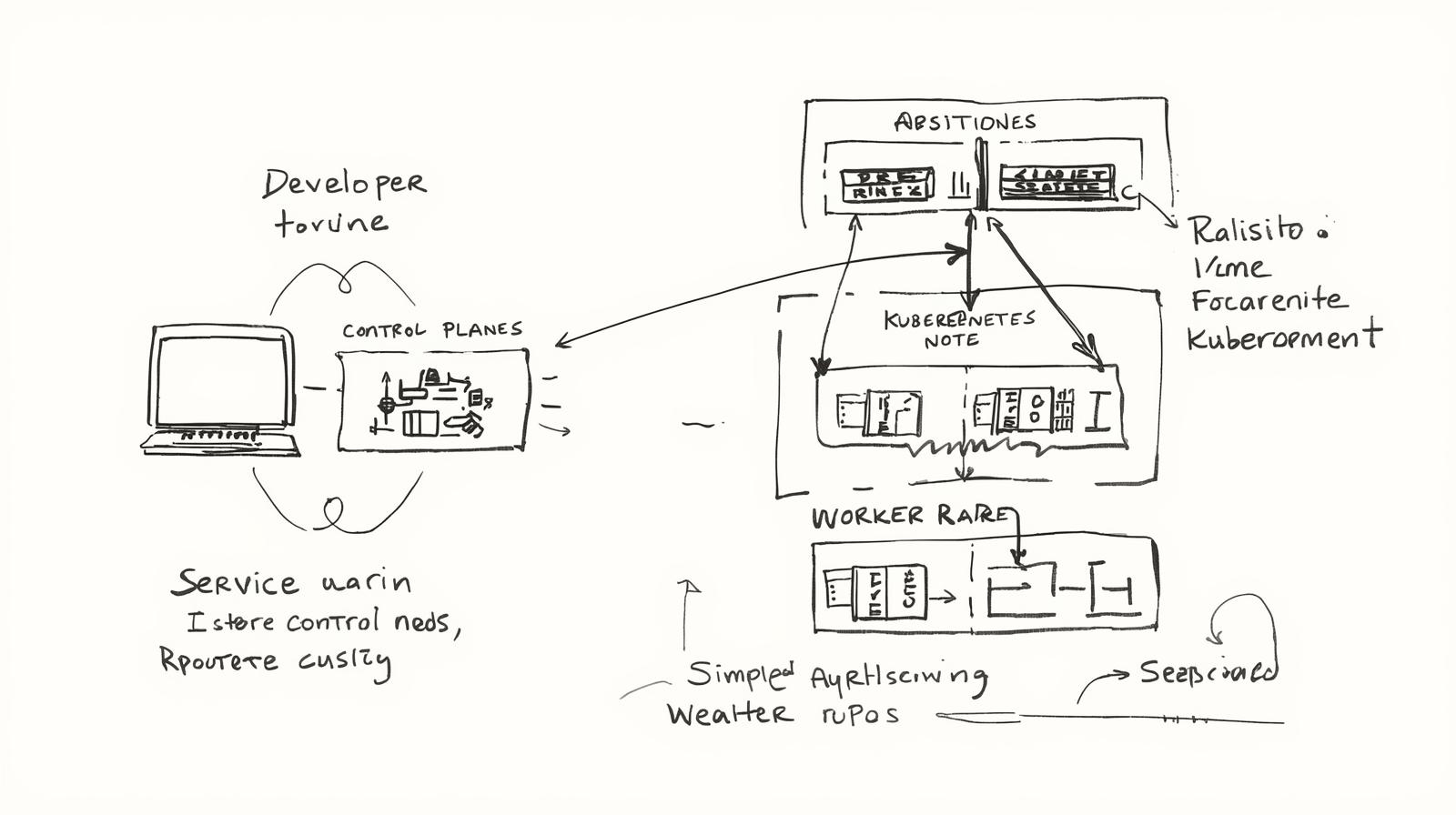
First post in the Kubernetes series. Learn the fundamental concepts, architecture, and why Kubernetes is essential for containers in production.
This article is also available in Portuguese
Série: Kubernetes from Scratch
Parte 1 de 2
Welcome to Kubernetes from Scratch Series!
This is Part 1 of a complete series on Kubernetes. We’ll go from basics to advanced, building knowledge progressively.
What is Kubernetes?
Kubernetes (K8s) is an open-source container orchestration platform that automates deployment, scaling, and management of containerized applications.
Why Kubernetes?
Imagine you have 100 containers running in production:
- How do you deploy new versions?
- How do you scale when traffic increases?
- What happens when a container fails?
- How do you manage networking between containers?
Kubernetes solves all of this and much more!
Kubernetes Architecture
Control Plane
The “brain” of the Kubernetes cluster:
┌─────────────────────────────────┐
│     Control Plane               │
│  ┌───────────┐  ┌──────────┐  │
│  │ API Server│  │ Scheduler│  │
│  └───────────┘  └──────────┘  │
│  ┌────────────┐ ┌───────────┐ │
│  │ Controller │ │   etcd    │ │
│  │  Manager   │ │ (Storage) │ │
│  └────────────┘ └───────────┘ │
└─────────────────────────────────┘
Components:
- API Server: Entry point for all operations
- Scheduler: Decides which node to run pods on
- Controller Manager: Maintains desired cluster state
- etcd: Stores all cluster configuration and state
Worker Nodes
Where containers actually run:
┌──────────────────────────────┐
│      Worker Node             │
│  ┌──────────────────────┐   │
│  │   Kubelet            │   │
│  │   (Node Agent)       │   │
│  └──────────────────────┘   │
│  ┌──────────────────────┐   │
│  │   Kube-proxy         │   │
│  │   (Networking)       │   │
│  └──────────────────────┘   │
│  ┌──────────────────────┐   │
│  │   Container Runtime  │   │
│  │   (Docker/containerd)│   │
│  └──────────────────────┘   │
│  ┌─────┐ ┌─────┐ ┌─────┐   │
│  │ Pod │ │ Pod │ │ Pod │   │
│  └─────┘ └─────┘ └─────┘   │
└──────────────────────────────┘
Core Concepts
1. Pod
The smallest deployable unit in Kubernetes. A pod can contain one or more containers.
apiVersion: v1
kind: Pod
metadata:
  name: my-app
spec:
  containers:
  - name: nginx
    image: nginx:latest
    ports:
    - containerPort: 80
Key Points:
- Pods are ephemeral (temporary)
- Each pod gets its own IP address
- Containers in the same pod share network and storage
2. Deployment
Manages the desired state of your application. Ensures the right number of pod replicas are running.
apiVersion: apps/v1
kind: Deployment
metadata:
  name: my-app
spec:
  replicas: 3
  selector:
    matchLabels:
      app: my-app
  template:
    metadata:
      labels:
        app: my-app
    spec:
      containers:
      - name: nginx
        image: nginx:latest
        ports:
        - containerPort: 80
Features:
- Rolling updates (zero downtime)
- Automatic rollback on failure
- Scaling up/down easily
- Self-healing (restarts failed pods)
3. Service
Exposes your pods to network traffic. Provides a stable IP and DNS name.
apiVersion: v1
kind: Service
metadata:
  name: my-app-service
spec:
  type: LoadBalancer
  selector:
    app: my-app
  ports:
  - port: 80
    targetPort: 80
Service Types:
- ClusterIP: Internal cluster access (default)
- NodePort: External access via node port
- LoadBalancer: Cloud provider load balancer
- ExternalName: Maps to external DNS
4. ConfigMap & Secret
Store configuration and sensitive data separately from application code.
# ConfigMap
apiVersion: v1
kind: ConfigMap
metadata:
  name: app-config
data:
  DATABASE_URL: "postgres://db:5432/myapp"
  LOG_LEVEL: "info"

---
# Secret
apiVersion: v1
kind: Secret
metadata:
  name: app-secrets
type: Opaque
data:
  password: cGFzc3dvcmQxMjM=  # base64 encoded
Key Benefits of Kubernetes
1. Self-Healing
Pod crashes → Kubernetes detects → New pod created automatically
2. Auto-Scaling
apiVersion: autoscaling/v2
kind: HorizontalPodAutoscaler
metadata:
  name: my-app-hpa
spec:
  scaleTargetRef:
    apiVersion: apps/v1
    kind: Deployment
    name: my-app
  minReplicas: 2
  maxReplicas: 10
  metrics:
  - type: Resource
    resource:
      name: cpu
      target:
        type: Utilization
        averageUtilization: 70
3. Rolling Updates
# Update image version
kubectl set image deployment/my-app nginx=nginx:1.20

# Rollback if needed
kubectl rollout undo deployment/my-app
4. Load Balancing
Kubernetes automatically distributes traffic across healthy pods.
When to Use Kubernetes?
✅ Use Kubernetes When:
- Running microservices architecture
- Need auto-scaling capabilities
- Require high availability
- Managing multiple containers
- Need to support multi-cloud deployments
❌ Don’t Use Kubernetes When:
- Simple monolithic application
- Small scale (1-2 servers)
- Team lacks DevOps expertise
- Starting a new project (start simple first)
Kubernetes vs Docker Compose
| Feature | Docker Compose | Kubernetes |
|---|---|---|
| Use Case | Development/Small apps | Production/Large scale |
| Multi-host | ❌ | ✅ |
| Auto-scaling | ❌ | ✅ |
| Self-healing | ❌ | ✅ |
| Load balancing | Basic | Advanced |
| Learning curve | Easy | Steep |
What’s Next?
In Part 2, we’ll cover:
- Installing Kubernetes locally with Minikube
- First deployment hands-on
- Essential kubectl commands
- Debugging pods and services
Conclusion
Kubernetes is the industry standard for container orchestration. While it has a learning curve, the benefits for production workloads are immense:
- Reliability: Self-healing, rolling updates
- Scalability: Auto-scaling based on metrics
- Portability: Run anywhere (cloud, on-premise)
- Efficiency: Optimal resource utilization
Start learning Kubernetes today - it’s an essential skill for modern DevOps engineers!
Stay tuned for Part 2! 🚀